
Thank you for purchasing Solitaire World. It is a complete single-player Klondike solitaire app built with Flutter and Firebase. One code base runs on Android, iOS and the Web. The package also contains the Cloud Functions backend, Firestore/Storage rules, a web admin panel and a landing site.
Live demo: web game solitaireworld-play.web.app, landing page solitaireworld-e2ec3.web.app, admin panel solitaireworld-e2ec3.web.app/admin/ (demo admin account is read-only).
Gameplay
- Standard Klondike rules, Draw 1 and Draw 3; drag & drop and tap-to-move
- Undo, hints, auto-finish, Windows-style scoring, timer and move counter, saved games
- Verified-winnable deals (rule-based solver in
lib/solitaire/solver.dart)
Journey
- 180 levels across Egypt, Italy and Turkey; 1-3 stars per level, star gates, final challenge
- Move-limit, timed and Draw 3 levels with intro popups; free undos
- 5 lives, one life regenerates every 30 minutes, refill with coins; souvenirs every 10 levels
Rewards
- Daily challenge and streak, 7-day daily reward, lucky wheel, daily VIP reward, gifts
- Achievements with coin rewards (verified by Cloud Functions), statistics, profile
Monetization
- Coins, bundles, VIP subscriptions and donations through Google Play Billing and the App Store
- Server-side verification (Google Play Developer API; Apple StoreKit 2 JWS with local certificate-chain check), refunds handled
- AdMob: banner, interstitial, rewarded, native, app open; UMP consent; VIP hides ads; remote switches; rewarded coins verified with AdMob server-side verification (SSV, on by default)
Accounts and platform
- Google, Apple and e-mail sign-in; push notifications; in-app account deletion
- 7 languages: English (source), Arabic (RTL), French, German, Spanish, Portuguese, Turkish
- Web admin panel: dashboard, players, purchases, gifts, broadcast, settings, logs; read-only demo admin. Player statistics come from the solitaire progression data (games, wins, win rate, best time, fewest moves, draw-3 wins, daily streak, achievements, coins, VIP)
- Landing site with privacy policy, terms and public account-deletion page
Mobile
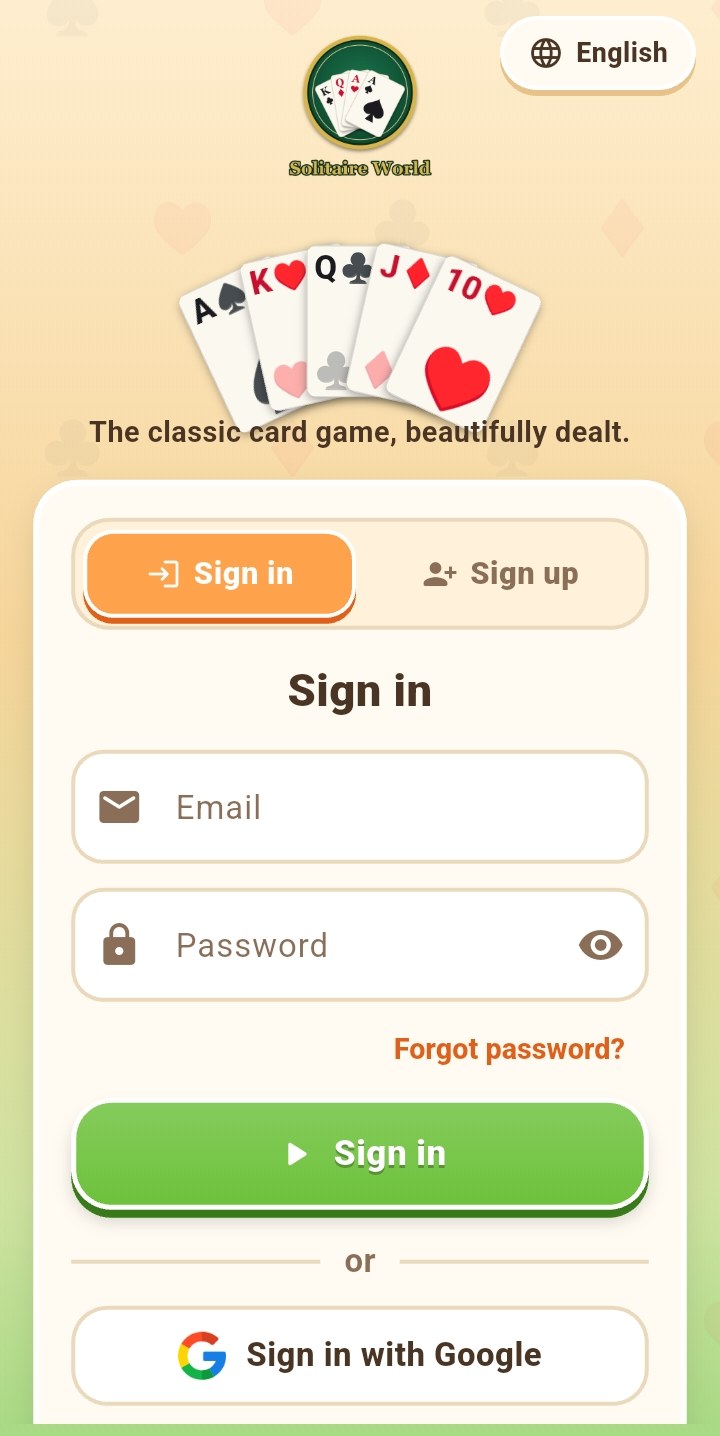
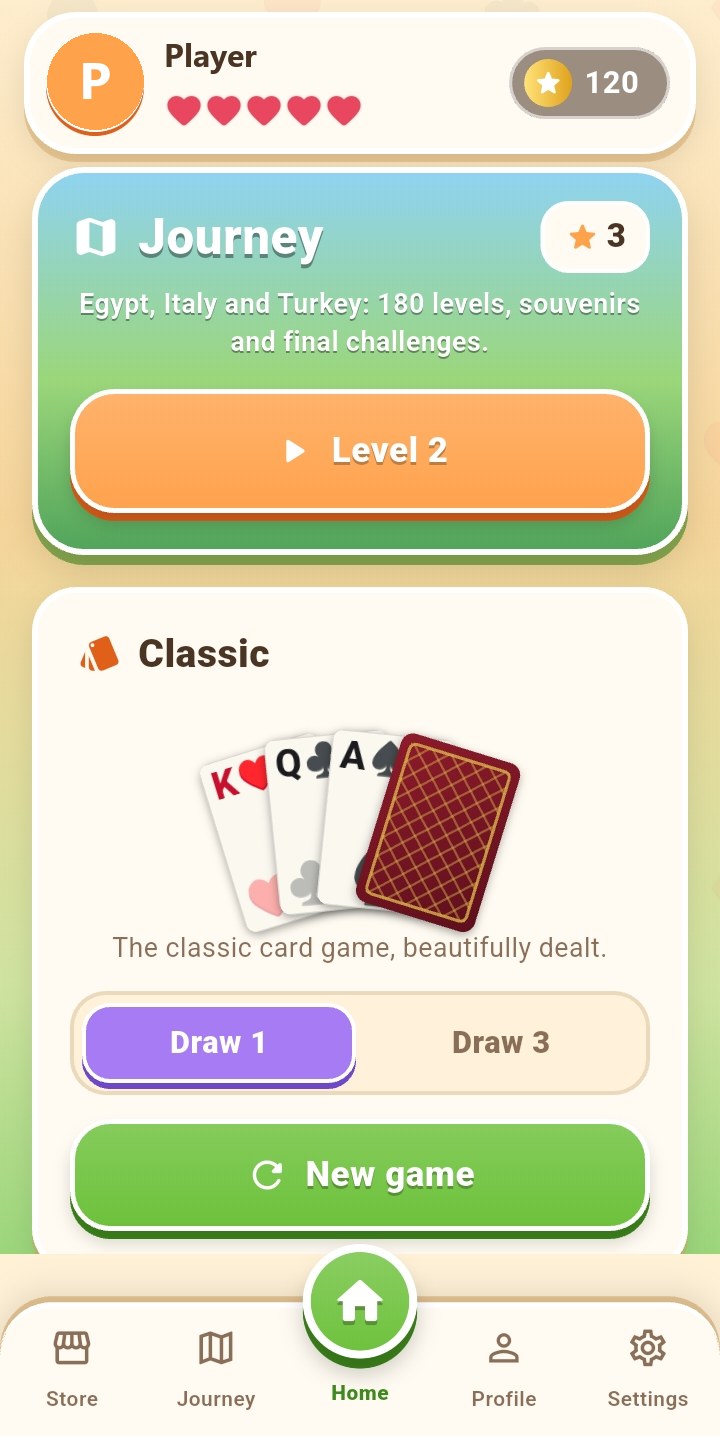
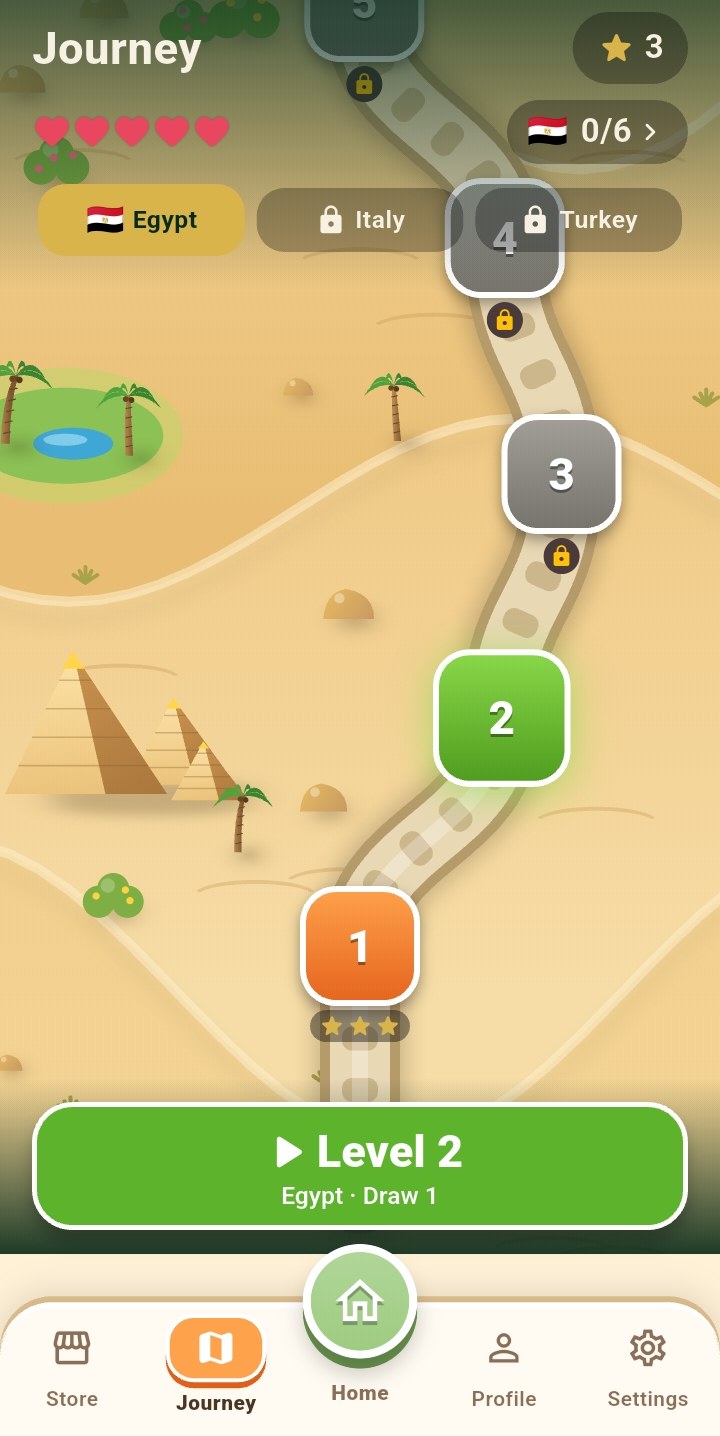
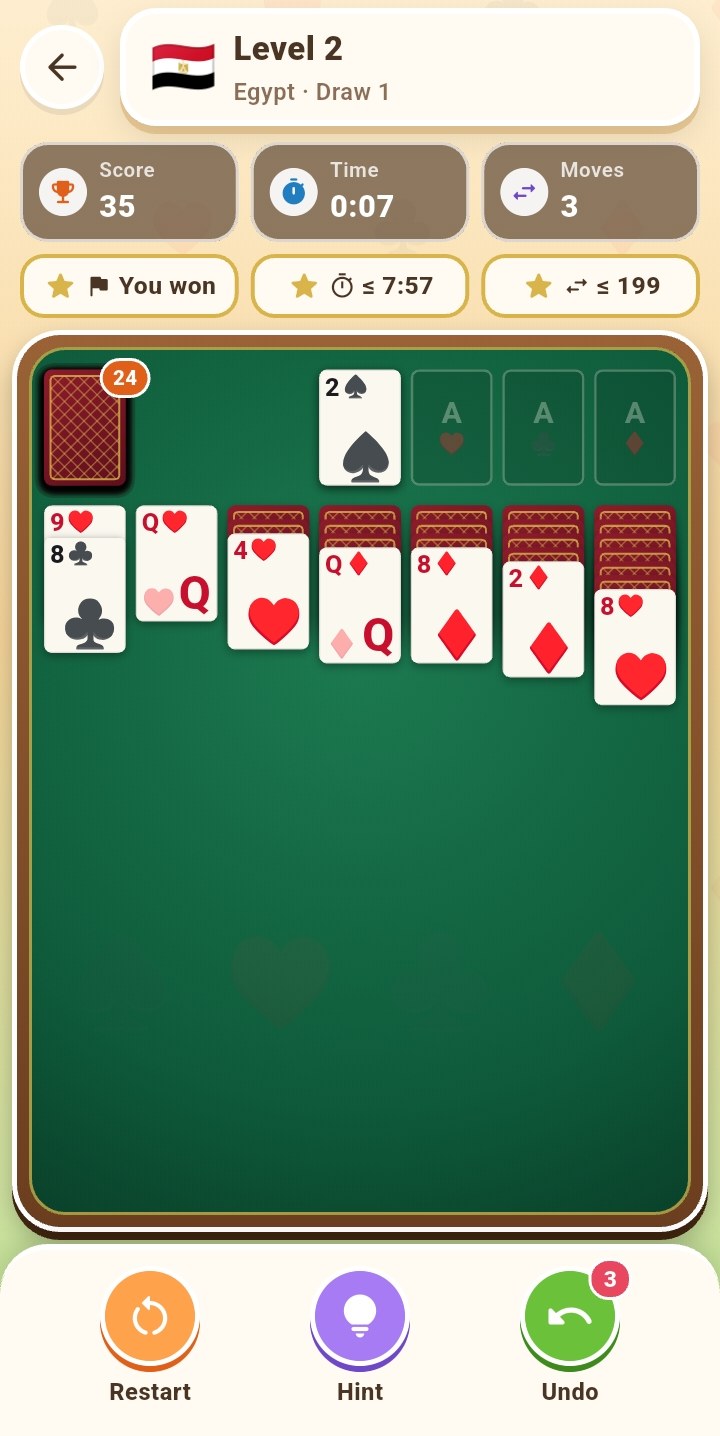
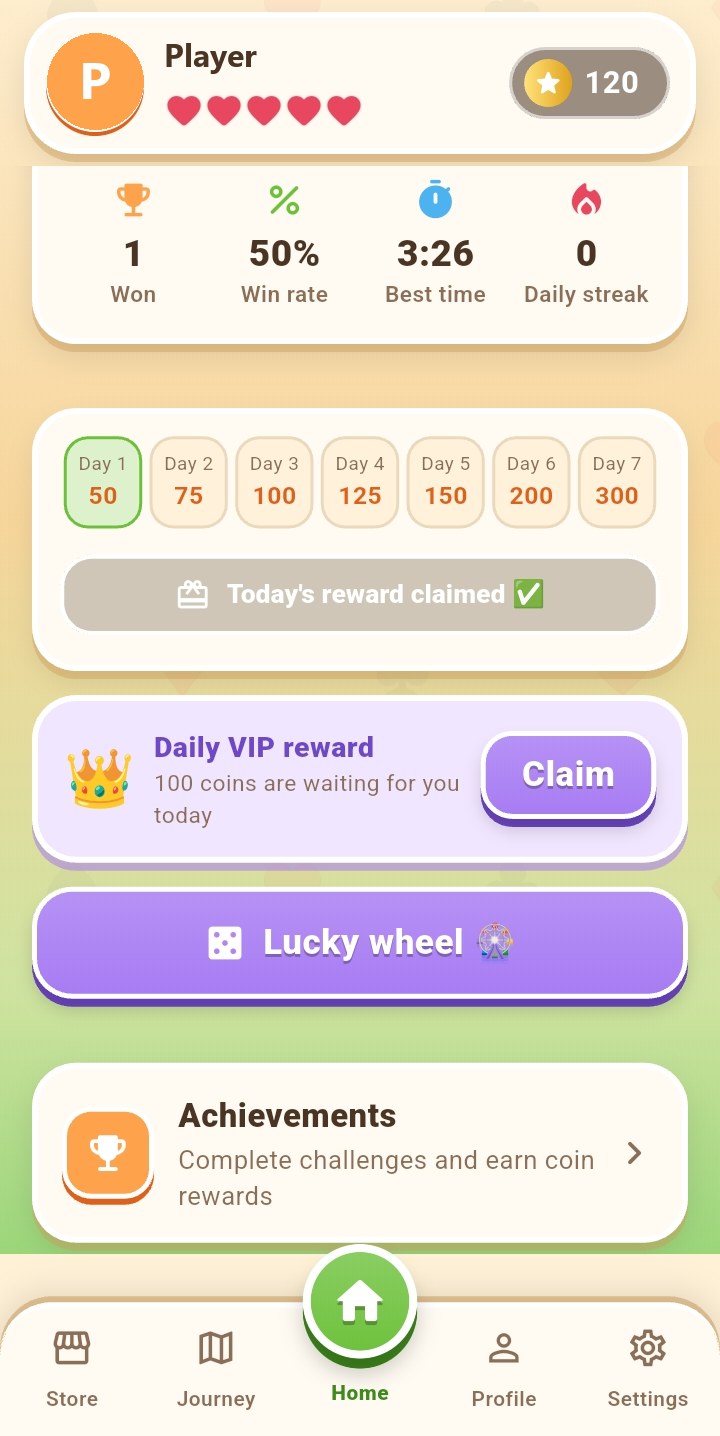
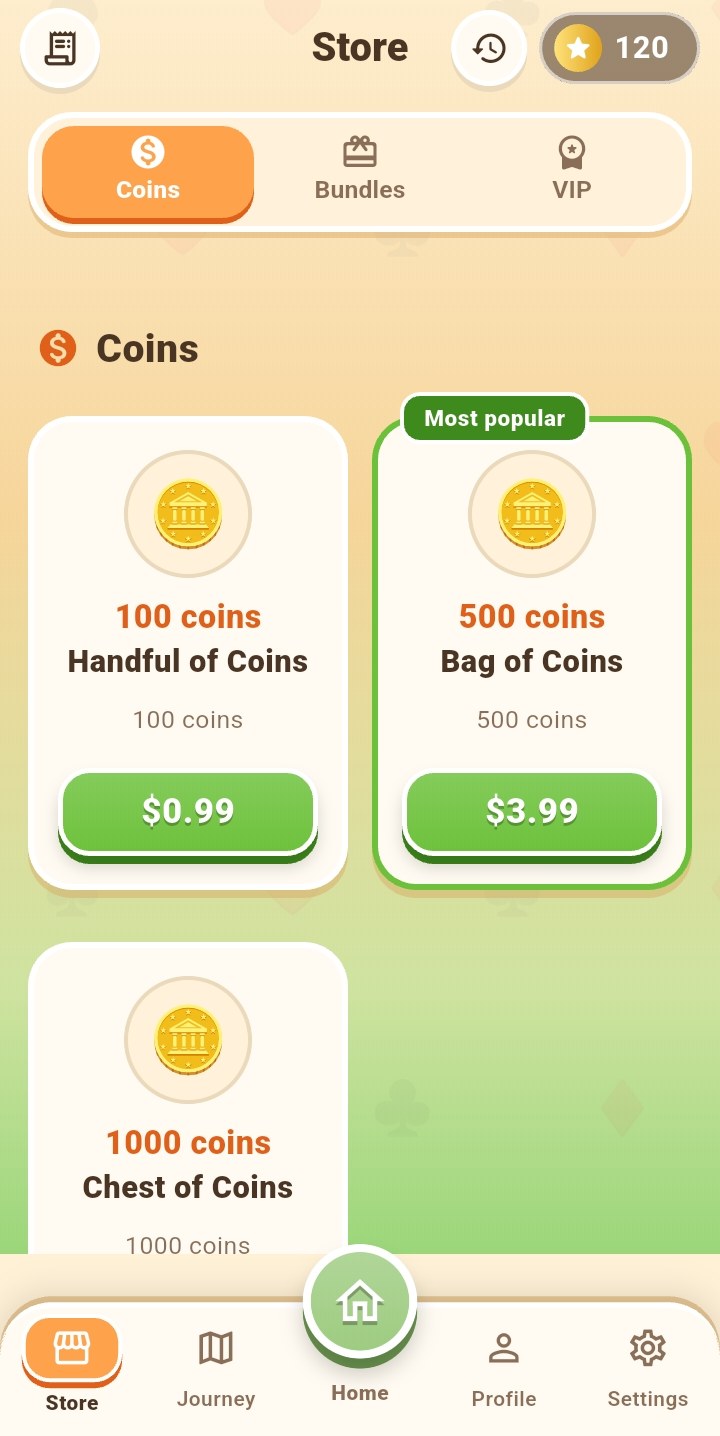
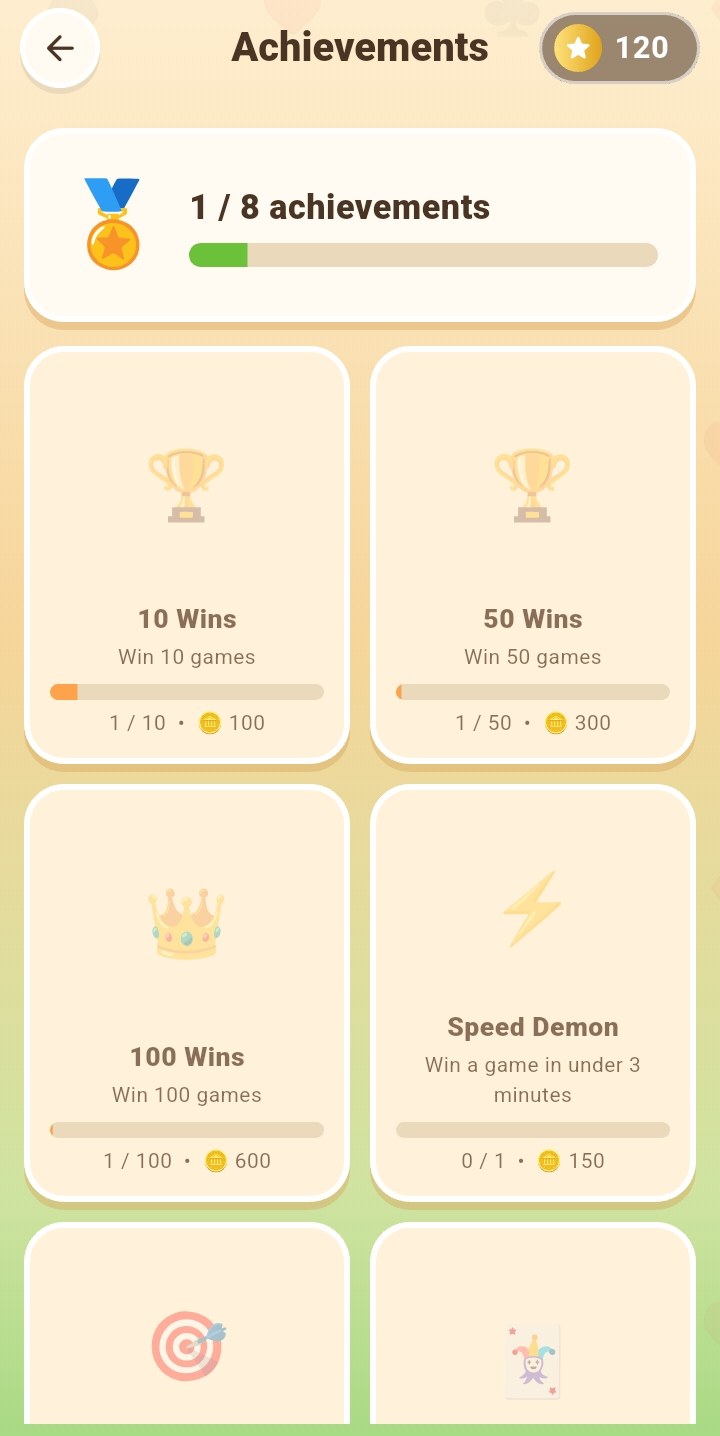
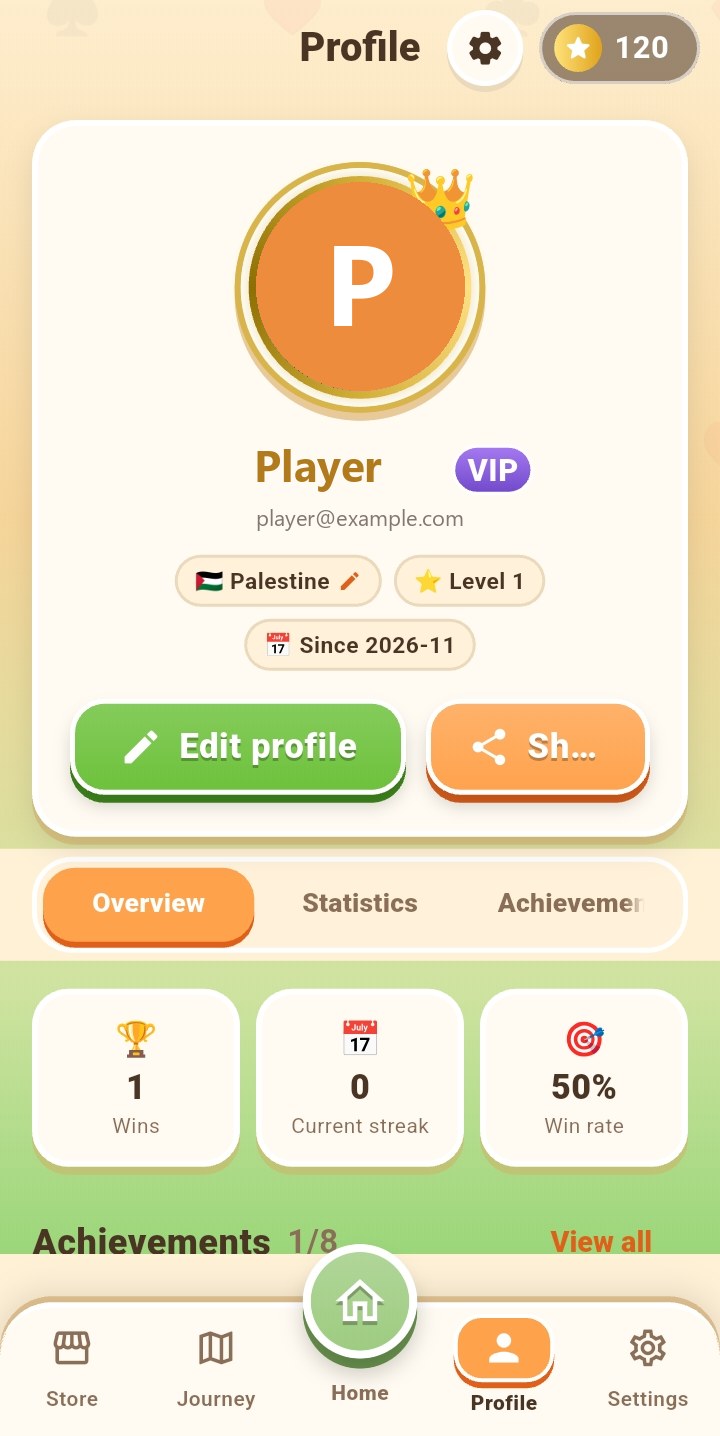
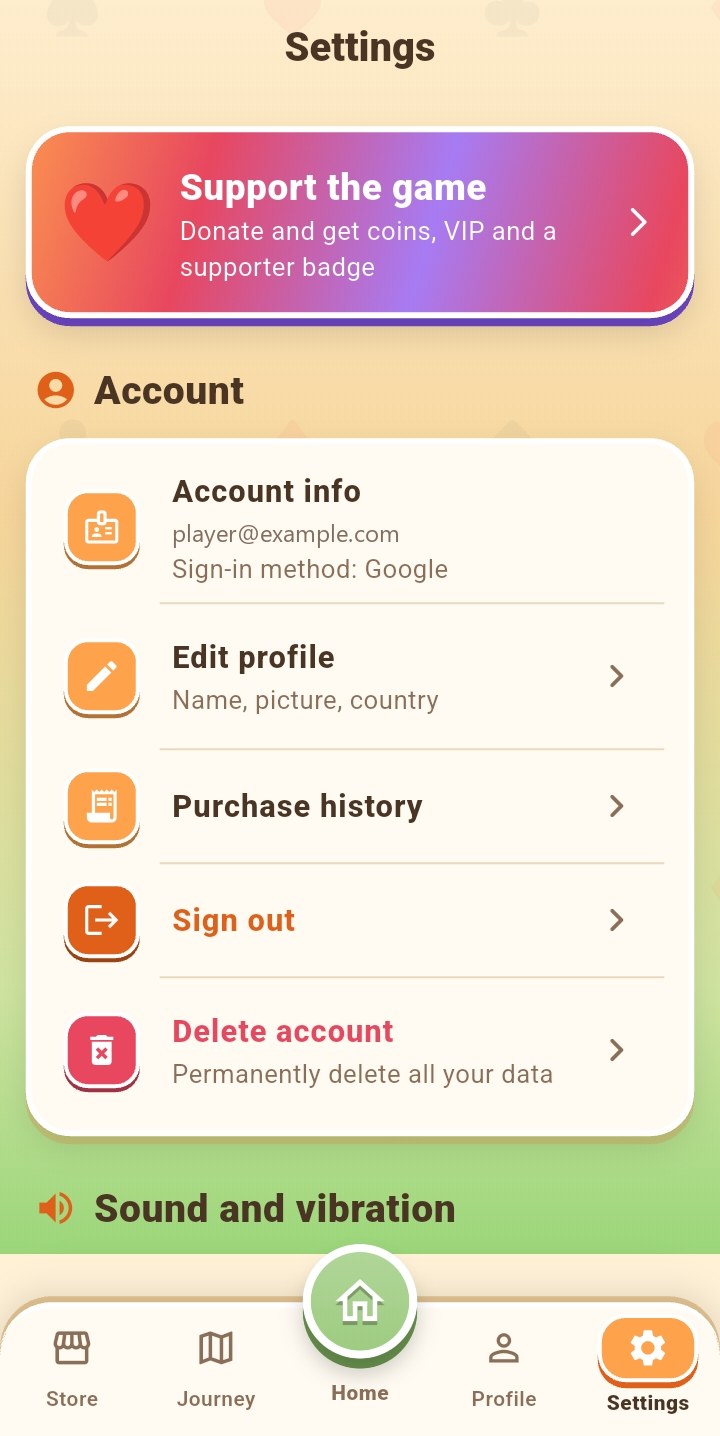
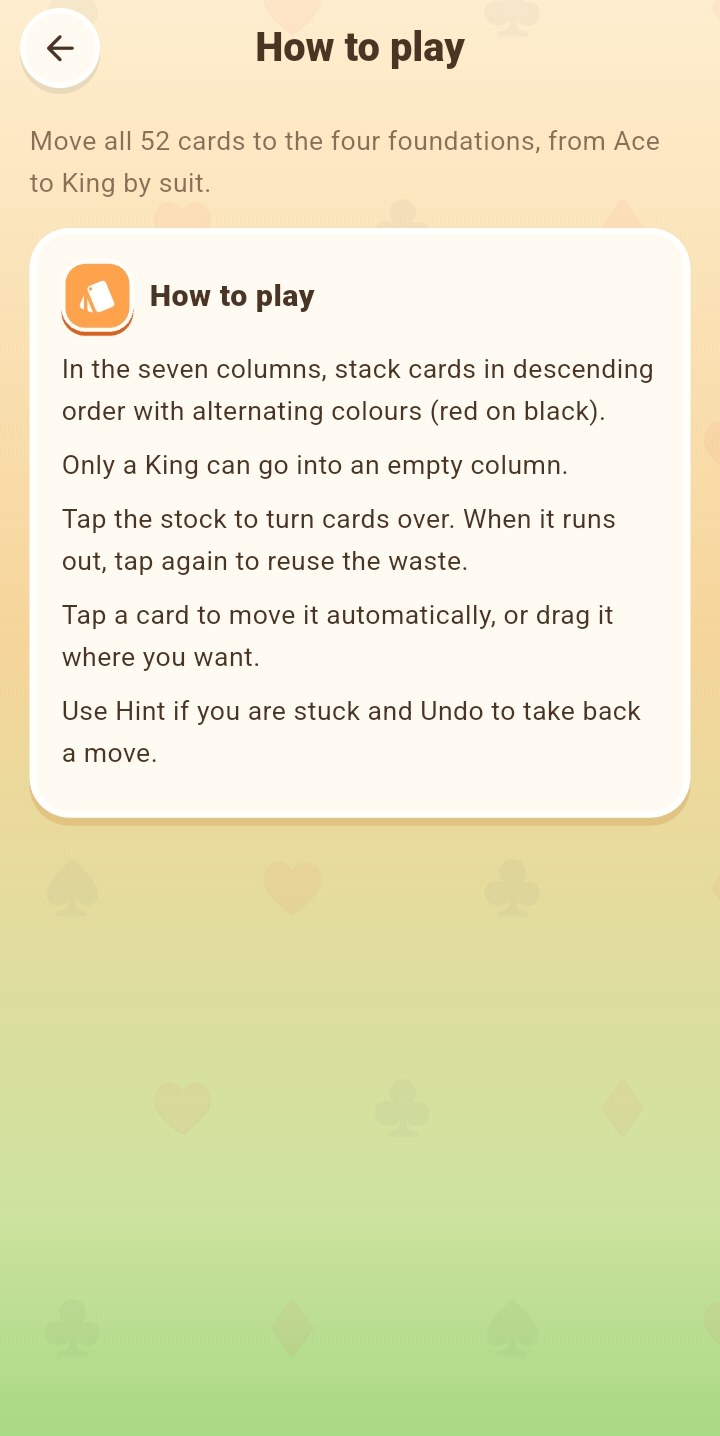
Web game
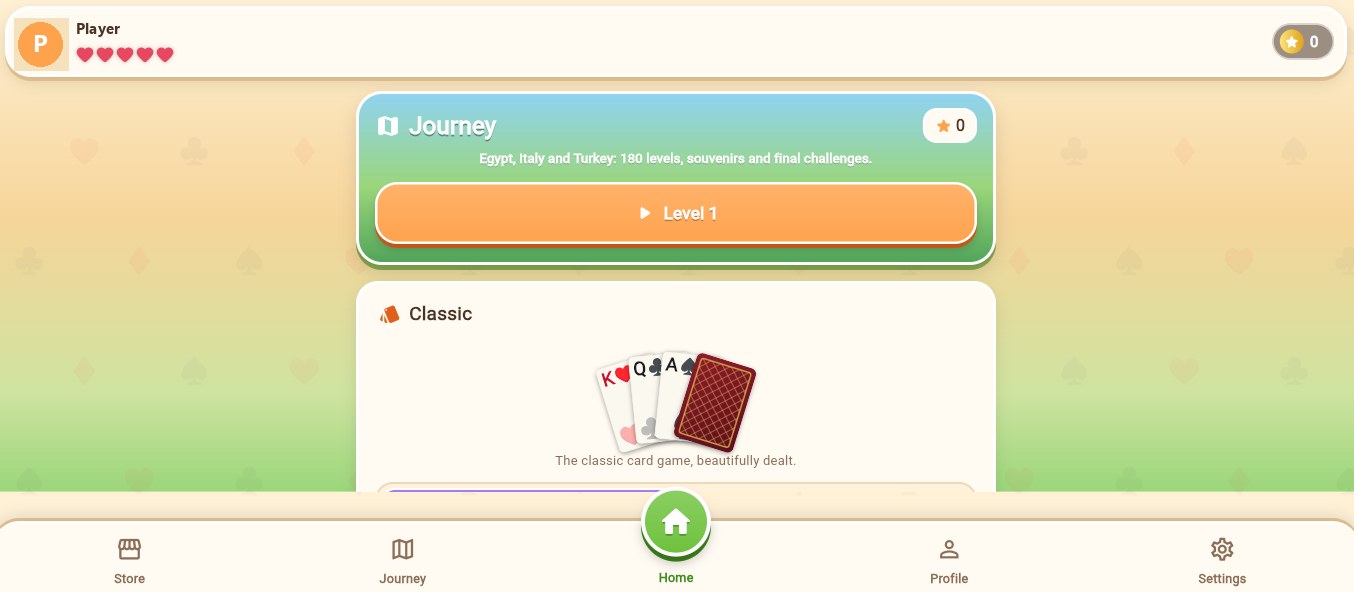
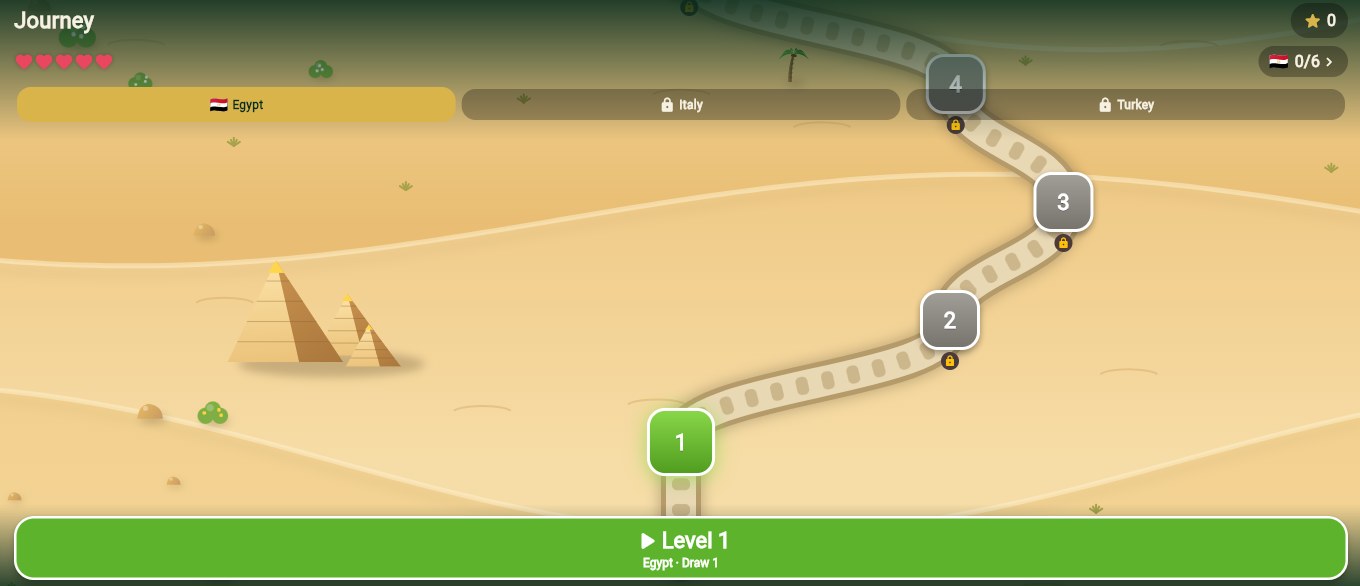
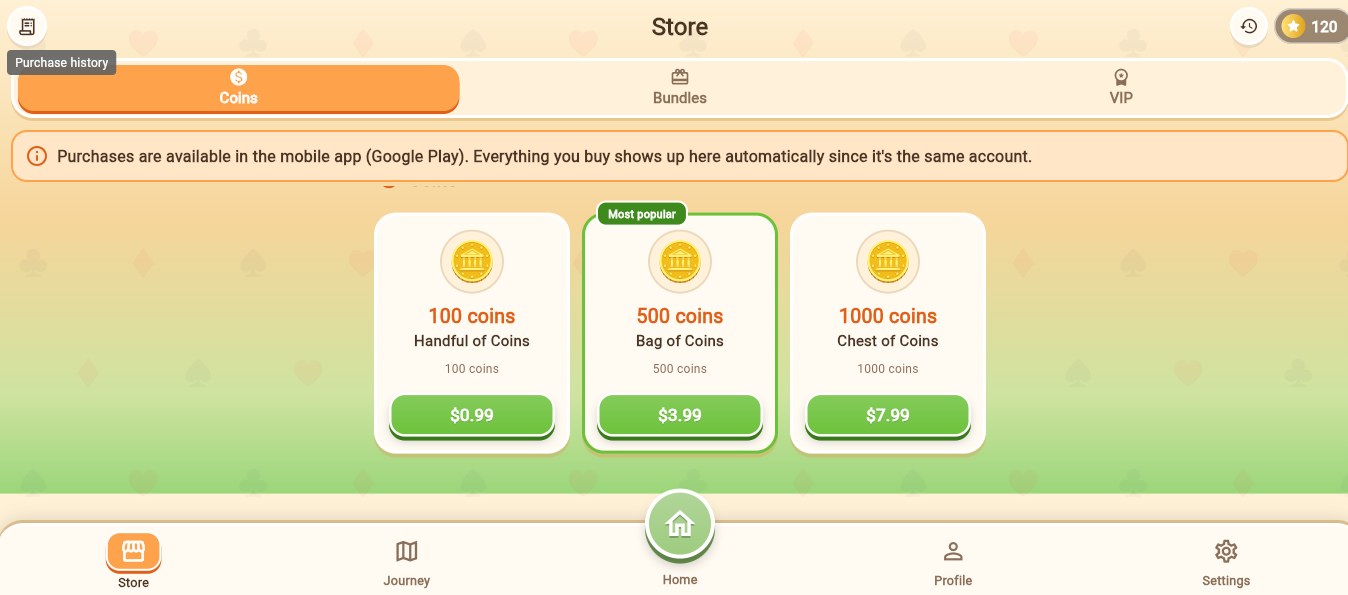
Admin panel
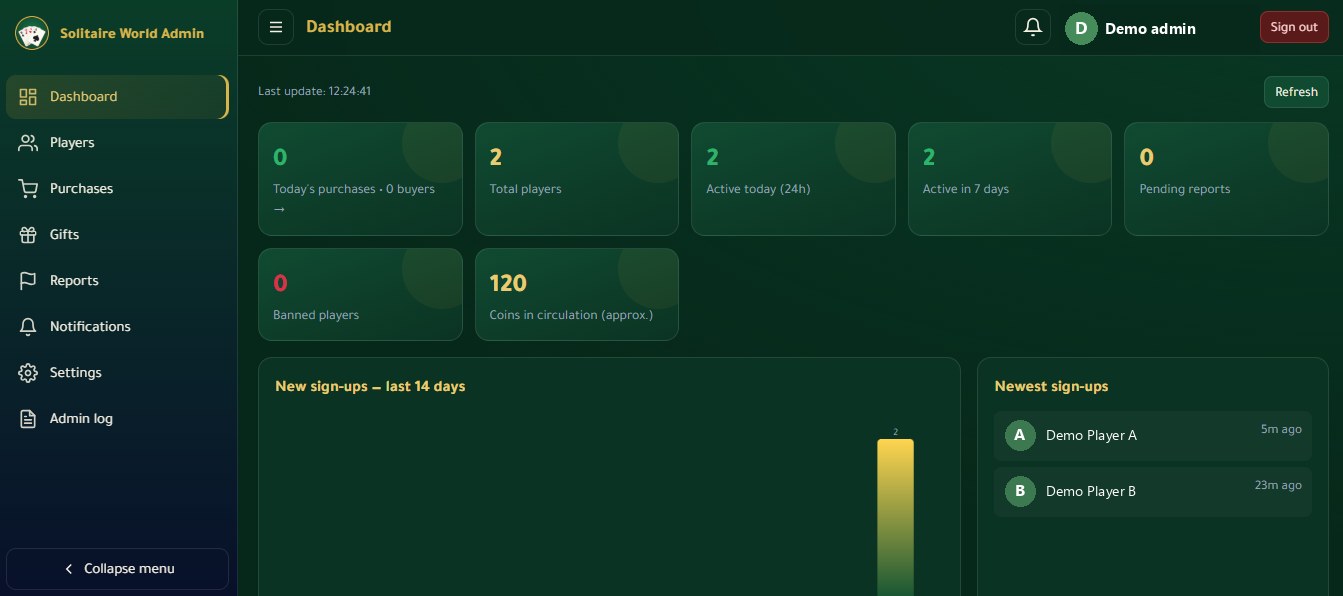
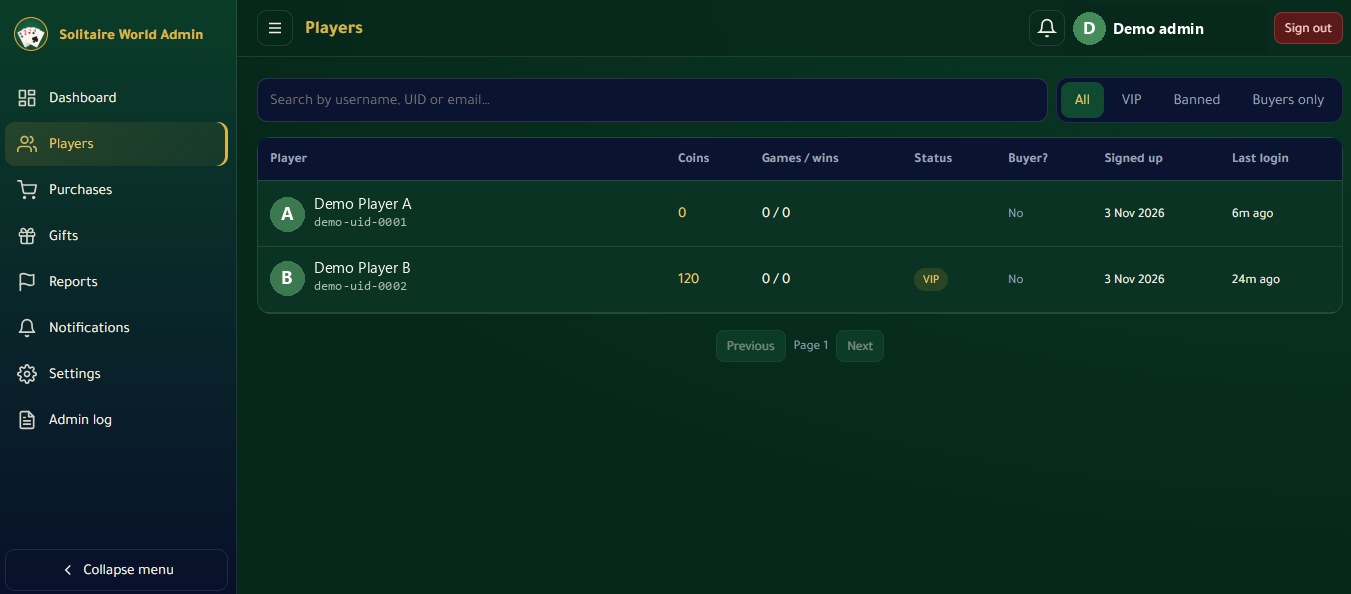
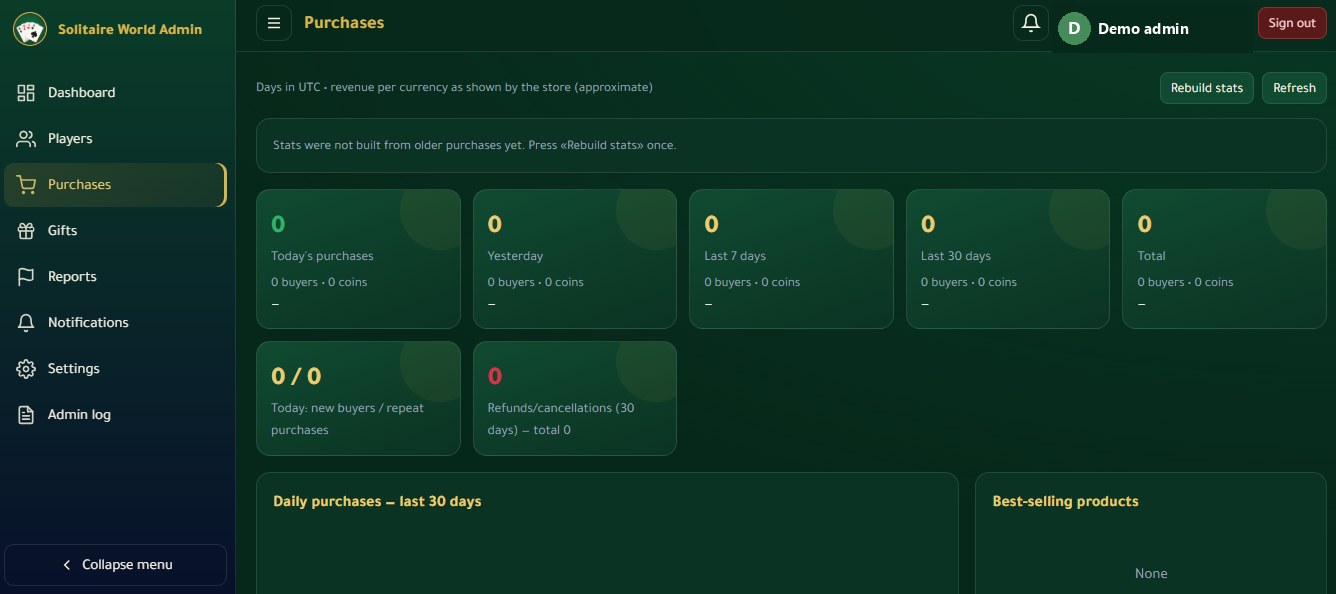
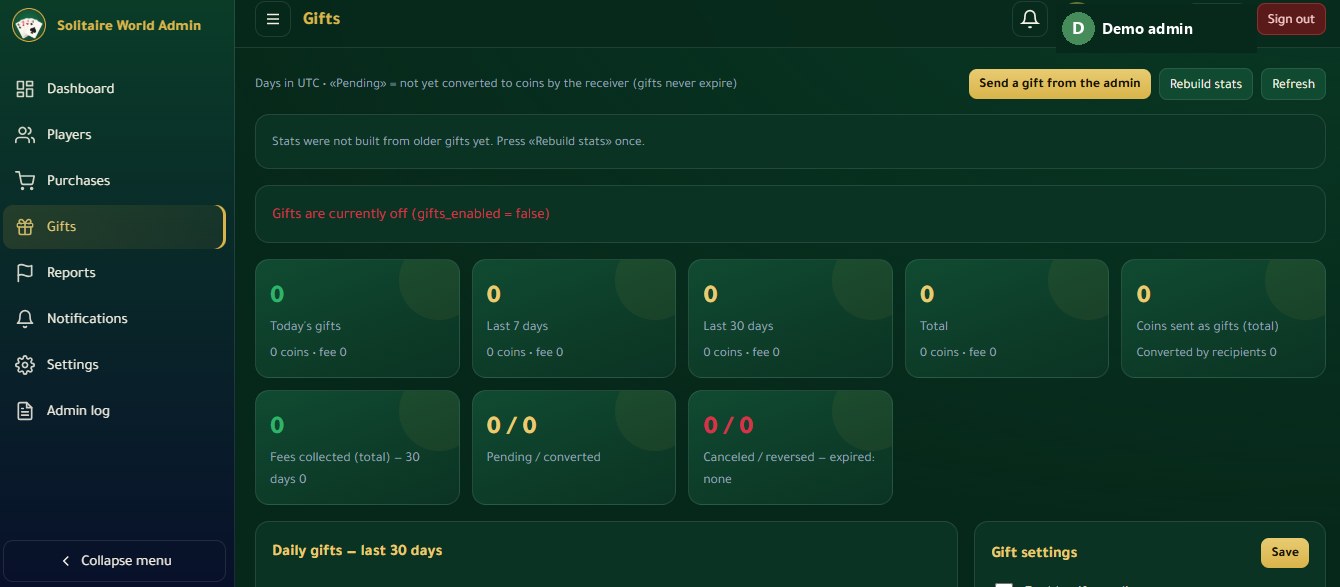
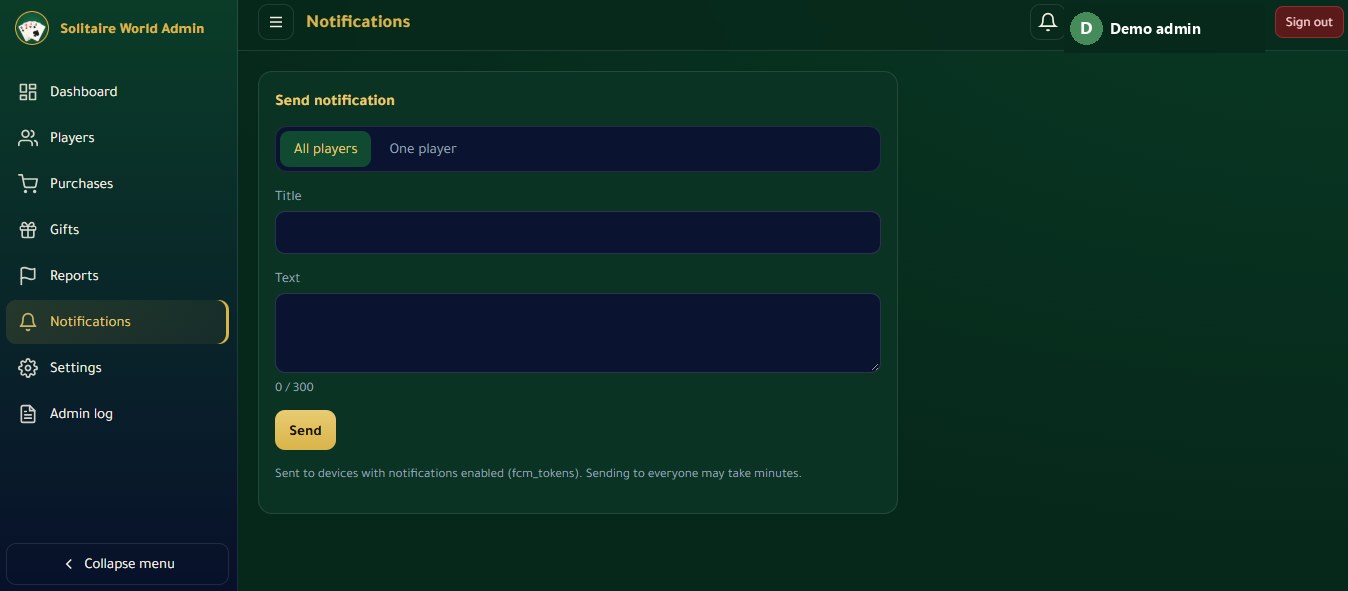
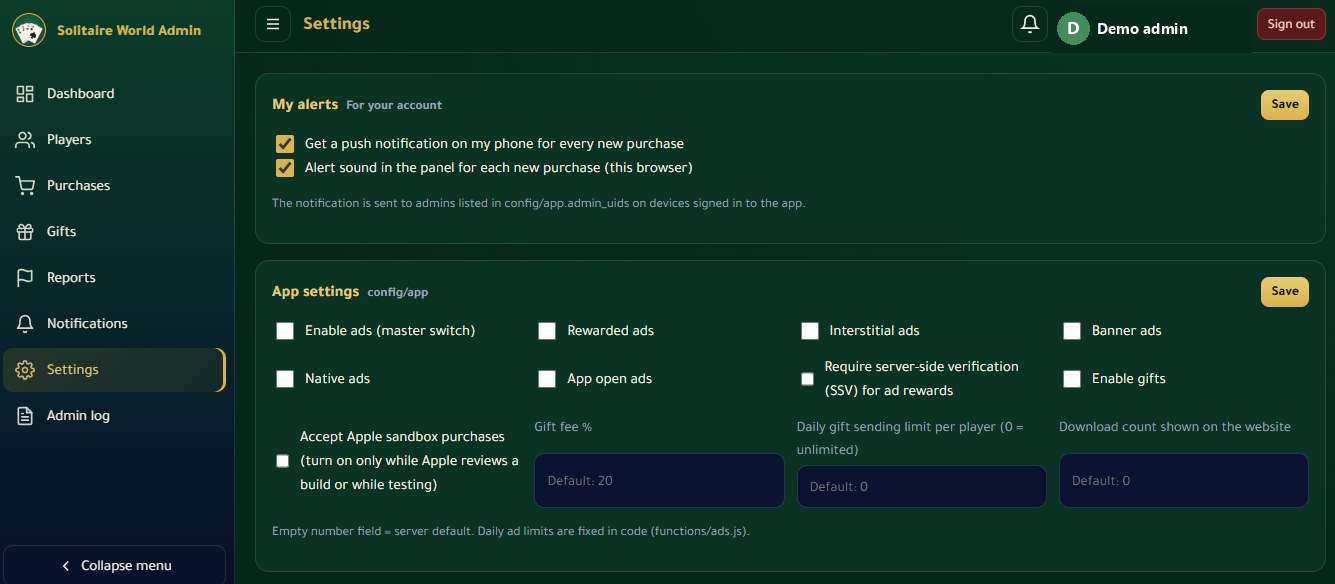
Screenshots use demo data; personal data is masked.
| Tool | Version | Used for |
|---|---|---|
| Flutter SDK | stable 3.x (tested with 3.47, Dart 3.9+) | app |
| Android Studio + Android SDK | SDK 36, JDK 17 | Android build |
| Xcode | 26 or newer (macOS) | iOS build (or use the included GitHub Actions workflow) |
| CocoaPods | 1.16+ | iOS dependencies |
| Node.js | 22 | Cloud Functions |
| Firebase CLI | latest (npm i -g firebase-tools) | deploy |
| FlutterFire CLI | latest (dart pub global activate flutterfire_cli) | Firebase options |
| Firebase project | Blaze plan | backend |
main_files.zip
|-- source/                     Flutter project
|   |-- lib/                    app code (screens, services, solitaire engine, l10n)
|   |   |-- solitaire/          klondike.dart, solver.dart, journey.dart, level_seeds.dart (generated)
|   |   |-- l10n/               app_en.arb (template) + 6 translations
|   |   `-- config/app_config.dart   AdMob ids, store ids, feature flags
|   |-- android/ ios/ web/      platform projects
|   |-- functions/              Cloud Functions (Node 22) + tests
|   |-- hosting/                landing site + admin/ panel
|   |-- tool/gen_level_seeds.dart   journey deal generator
|   |-- firestore.rules storage.rules firestore.indexes.json firebase.json
|   `-- .github/workflows/ios_build.yml
|-- documentation/index.html    this file
|-- README.txt
|-- LICENSE_AND_CREDITS.txt
`-- key.properties.example
- Client (Flutter): game engine and solver run locally; state with Riverpod; reads profile/config from Firestore.
- Cloud Functions (
europe-west1): every sensitive write - coins, purchases, VIP, rewards, achievements, gifts, admin actions - goes through callable functions. Purchases are verified with Google/Apple before coins are added. - Firestore rules: default deny; players can read their own data and cannot write privileged fields.
- Avatars:
users.avatar_urlmay only be empty, one of the built-in presets (preset:lion, ...) or the Firebase Storage download URL of the player's own fileavatars/<uid>.jpgin your project's bucket. This is enforced infunctions/avatar.js(profile creation) and infirestore.rules(validAvatar()- put your project id there);storage.rulesonly accepts JPEG/PNG/WebP images under 1 MB at the player's own path. Photos from Google/Apple accounts or other hosts are not stored. - Admin panel (
hosting/admin/): plain, unminified JavaScript modules (no build step) calling admin functions; the admin role is checked on the server. The dashboard shows solitaire totals (games, wins, win rate, draw-3 wins, players who played) next to players, activity, purchases and VIP; the player view shows each player's solitaire statistics fromusers/{uid}.solitaireand claimed achievements fromprogression/{uid}, and "Edit solitaire stats" changes those fields with server-side validation. Journey levels, stars and lives are stored on the device and are not shown. - Hosting: target
site(landing + admin) and targetplay(Flutter web build).
flutter doctor
npm install -g firebase-tools
dart pub global activate flutterfire_cli
firebase login
cd source
flutter pub get
cd functions && npm ci && cd ..
- Package id: the package ships with
com.bilalzeyada.solitaireworldpro. Replace it with your own id inandroid/app/build.gradle.kts(applicationId,namespace), the Kotlin folderandroid/app/src/main/kotlin/...andMainActivity.ktpackage line, iOSPRODUCT_BUNDLE_IDENTIFIERin Xcode, and the server constantsANDROID_PACKAGE(functions/index.js) andAPPLE_BUNDLE_ID(functions/apple_iap.js). - Name:
android:labelin AndroidManifest.xml (localized names inres/values-xx/strings.xml),CFBundleDisplayNameinios/Runner/Info.plist,web/index.htmltitle andweb/manifest.json,appTitlein the ARB files. - Icon: replace
assets/images/game_logo.png(1024x1024) and rundart run flutter_launcher_icons. - Splash: run
dart run flutter_native_splash:create(settings inpubspec.yaml).
- Create a project in the Firebase Console and upgrade to Blaze.
- Enable Firestore (production mode), Storage, Cloud Messaging and Crashlytics.
- Run
flutterfire configureinsource/and select Android, iOS and Web. It writeslib/firebase_options.dart,android/app/google-services.jsonandios/Runner/GoogleService-Info.plist(replacing theYOUR_...placeholders). - Edit
.firebasercwith your project id and Hosting site names (targetssiteandplay). - Authentication → Sign-in method: enable Email/Password, Google and Apple.
- SHA-1 / SHA-256: add the fingerprints of your debug key, upload key and the Play App Signing key
(Play Console → Setup → App signing) in Project settings → Android app. Get local ones with
cd android && ./gradlew signingReport. Downloadgoogle-services.jsonagain after adding them. - Google sign-in on Android/iOS: put the Web client id (OAuth client of type Web, created by Firebase) in
lib/config/app_config.dartwhere it saysYOUR_...; on iOS add theREVERSED_CLIENT_IDfrom GoogleService-Info.plist to the URL scheme placeholder inInfo.plist. - Sign in with Apple: in Apple Developer enable the capability for your App ID (the project already contains
Runner.entitlements). For web/Android Apple sign-in create a Services ID and key and enter them in Firebase → Apple provider.
On the web the app uses the Firebase pop-up (signInWithPopup) and falls back to signInWithRedirect when the browser blocks pop-ups.
- Firebase → Authentication → Settings → Authorized domains: add every domain that serves the game
(for example
your-play-site.web.appand your custom domain). Missing domain error:auth/unauthorized-domain. - Google Cloud Console → APIs & Services → Credentials → Web client: add your domains to Authorized JavaScript origins
and
https://YOUR_PROJECT.firebaseapp.com/__/auth/handlerto Authorized redirect URIs. Missing entry error:redirect_uri_mismatch. - OAuth consent screen: publish it (or add your account as a tester).
- Apple on the web: Services ID with the return URL
https://YOUR_PROJECT.firebaseapp.com/__/auth/handlerand your domains registered. - Rebuild and deploy the web game (section 21).
firebase use YOUR_PROJECT_ID
firebase functions:secrets:set APPLE_SHARED_SECRET     # App Store Connect app-specific shared secret
firebase deploy --only firestore:rules,firestore:indexes,storage
firebase deploy --only functions
- Functions run in
europe-west1. If you change the region, change it infunctions/and in the app (FirebaseFunctions.instanceFor(region: ...)). - Google Play verification: in Google Cloud enable the Google Play Android Developer API, then in Play Console → Users and permissions
invite the Cloud Functions service account (
YOUR_PROJECT@appspot.gserviceaccount.comor the compute default account) with financial permissions. - Real-time developer notifications: create the Pub/Sub topic
play-billingand set it in Play Console → Monetization setup. - App Store Server Notifications V2: set the URL of the
appleNotificationsfunction in App Store Connect. - Run the tests:
cd functions && npm test.
flutter gen-l10n
flutter run                 # Android device / emulator or iOS simulator
flutter run -d chrome       # web
- Sign in once in the app or the admin panel with the account that will be admin.
- Firebase Console → Authentication: copy its UID.
- Firestore: create document
config/app(if missing) and add the array fieldadmin_uidscontaining that UID. - Open
https://YOUR_SITE/admin/and sign in. Further admins can be added from the panel settings. - Optional demo admin for buyers/reviewers: put its UID in
config/app.demo_admin_uids(not inadmin_uids). The server allows it only read functions and masks personal data in every response.
Alternative: a custom claim admin: true set with the Admin SDK.
| Product id | Type |
|---|---|
coins_100, coins_500, coins_1000 | consumable (coins) |
welcome_pack, gold_pack, royal_pack | consumable (bundles) |
vip_monthly | auto-renewable subscription, 1 month (VIP) |
vip_3months | auto-renewable subscription, 3 months (VIP) |
vip_yearly | auto-renewable subscription, 1 year (VIP) |
| donation products | consumable (see lib/models/donation.dart) |
- Create the same ids in Play Console (Monetize → Products) and App Store Connect (In-App Purchases / Subscriptions). Coins per product are defined on the server (
functions/). - Upload a build to a testing track first; Play products are visible only for an uploaded app.
- Apple sandbox: in production the server rejects sandbox receipts. While Apple reviews a build or while you test, set
config/app.apple_allow_sandbox = true(switch in the admin panel settings), then turn it off.
The package ships with Google test ad unit ids. Create your app and ad units in AdMob and replace the ids in
lib/config/app_config.dart, the AdMob app id in AndroidManifest.xml (com.google.android.gms.ads.APPLICATION_ID) and
GADApplicationIdentifier in Info.plist. Update hosting/app-ads.txt with your publisher id.
| Format | Where |
|---|---|
| Banner | Home and game screen |
| Interstitial | between games |
| Rewarded | extra coins, double daily reward, extra wheel spin |
| Native | native card on Home |
| App open | when the player returns to the app |
Remote switches (Firestore config/app)
| Field | Type | Effect |
|---|---|---|
ads_enabled | bool | master switch: false turns off every ad and every ad-based reward |
banner_enabled | bool | banner ads |
interstitial_enabled | bool | interstitial ads between games |
rewarded_enabled | bool | rewarded ads |
native_enabled | bool | native ad on Home |
app_open_enabled | bool | app open ad |
require_ssv | bool | default true (a missing field counts as true): ad rewards are granted only after AdMob's signed server-side verification callback. Set false only for local testing. |
Server-side verification (SSV) - required by default
In AdMob → Apps → Ad units → each rewarded unit → Server-side verification, set the callback URL to
https://europe-west1-YOUR_PROJECT_ID.cloudfunctions.net/adSsvCallback. The app tags every rewarded ad with the player's UID and a one-time nonce;
adSsvCallback checks Google's ECDSA signature and records the nonce, and claimAdReward / doubleDailyReward / spinWheel
pay only for a recent, unused, verified ad of the same player and reward type (the app retries for a few seconds while the callback arrives).
Configure the URL before going live: with SSV on and no callback, rewarded ads pay nothing.
All switches can be edited in the admin panel → Settings. A local fallback flag in app_config.dart turns ads off completely.
Consent: the Google UMP form is shown where required (EEA/UK); create a GDPR message in AdMob → Privacy & messaging. VIP players see no ads.
- Android works after
google-services.jsonis in place (Android 13+ asks for POST_NOTIFICATIONS). - iOS: create an APNs authentication key (.p8) in Apple Developer → Keys and upload it in Firebase → Project settings → Cloud Messaging. The app waits for the APNs token before requesting the FCM token.
- Send notifications from the admin panel → Notifications (all players or one player).
| config/app field | Purpose |
|---|---|
admin_uids | array of admin UIDs |
demo_admin_uids | array of read-only demo admin UIDs |
apple_allow_sandbox | accept Apple sandbox purchases (review/testing only) |
gifts_enabled and gift settings | gifts on/off, fee and daily limits |
| ad switches | see section 16 |
- Colors and theme:
lib/constants/app_theme.dart. Images:assets/images/; sounds:assets/(regenerate with the included scripts). - Texts: edit
lib/l10n/app_en.arb(template) and the translationsapp_ar/de/es/fr/pt/tr.arb, then runflutter gen-l10n. - Add a language: copy
app_en.arbtoapp_xx.arb, translate, add the locale toCFBundleLocalizations, runflutter gen-l10n. - Server messages are sent in English and mapped to ARB keys in
lib/l10n/server_messages.dart; notification texts are infunctions/i18n.js. - Admin panel and landing site texts: their language files in
hosting/.
Level rules (draw count, move limit, time limit, star goals, regions) are in lib/solitaire/journey.dart and
lib/services/solitaire_progress_service.dart. Each level uses deals from lib/solitaire/level_seeds.dart, generated by:
flutter test tool/gen_level_seeds.dart
For every level the generator tries seeds and keeps those the rule-based solver (lib/solitaire/solver.dart) wins within 80% of the
level's move limit (4 deals per level; retries cycle through them). Run it again after changing levels. It can take several minutes.
Classic games use random deals checked by the same solver. Unit tests: flutter test.
firebase target:apply hosting site YOUR_SITE_ID
firebase target:apply hosting play YOUR_PLAY_SITE_ID
flutter build web --release
firebase deploy --only hosting:site     # landing + /admin/
firebase deploy --only hosting:play     # Flutter web game (build/web)
Edit the landing texts, privacy policy, terms and account-deletion page in hosting/ with your own company details before publishing.
keytool -genkey -v -keystore upload-keystore.jks -keyalg RSA -keysize 2048 -validity 10000 -alias upload
Copy key.properties.example to android/key.properties, fill in the passwords, alias and keystore path. Never commit the keystore or key.properties.
Add the SHA-1/SHA-256 of the upload key and of the Play App Signing key to Firebase.
Android
flutter build appbundle --release
Upload build/app/outputs/bundle/release/app-release.aab to Play Console. compileSdk/targetSdk 36, minSdk 24. Fill in Data safety and
the ads declaration; link the account-deletion page.
iOS
cd ios && pod install --repo-update && cd ..
flutter build ipa --release
Requires Xcode 26+. Deployment target iOS 15.0; Swift Package Manager is disabled for this project. Set your Team and bundle id in Xcode, enable
Push Notifications and Sign in with Apple. Upload with Xcode Organizer or Transporter. PrivacyInfo.xcprivacy is included.
iOS build check without a Mac
.github/workflows/ios_build.yml builds the iOS app (no code signing) on GitHub's macOS runners, runs flutter analyze and the
Cloud Functions tests. Push the project to a private GitHub repository and open the Actions tab.
Android (AndroidManifest.xml)
| Permission | Why |
|---|---|
| INTERNET | Firebase, ads, purchases |
| ACCESS_NETWORK_STATE | detect offline state |
| POST_NOTIFICATIONS | push notifications (Android 13+) |
| VIBRATE | haptic feedback |
| com.android.vending.BILLING | Google Play in-app purchases |
| com.google.android.gms.permission.AD_ID | AdMob advertising id |
| USE_BIOMETRIC, USE_FINGERPRINT | removed with tools:node="remove" (added by libraries, not used) |
Profile pictures use the system photo picker, so no storage permission is requested.
iOS (Info.plist)
| Key | Why |
|---|---|
| NSPhotoLibraryUsageDescription | choose a profile picture |
| NSCameraUsageDescription | take a profile picture |
| UIBackgroundModes: remote-notification | push notifications |
| Entitlements: aps-environment, com.apple.developer.applesignin | push, Sign in with Apple |
| GADApplicationIdentifier, SKAdNetworkItems | AdMob |
Web
Browser notification permission (asked only when the player enables notifications). No other permissions.
| What | Where |
|---|---|
Firebase options (YOUR_...) | lib/firebase_options.dart (flutterfire configure) |
| google-services.json / GoogleService-Info.plist | android/app/, ios/Runner/ (not included, created by flutterfire) |
| Google client ids, iOS URL scheme | lib/config/app_config.dart, ios/Runner/Info.plist |
| AdMob app id and ad unit ids (test ids shipped) | app_config.dart, AndroidManifest.xml, Info.plist, hosting/app-ads.txt |
| Package id / bundle id | build.gradle.kts, Kotlin folder, Xcode, functions/index.js, functions/apple_iap.js |
| Project id and Hosting sites | .firebaserc, admin/landing config in hosting/ |
| Store links, support e-mail, company name | app_config.dart, hosting/ pages |
| Release keystore | android/key.properties (from key.properties.example) |
| APPLE_SHARED_SECRET | firebase functions:secrets:set |
| Problem | Solution |
|---|---|
| Google sign-in error 10 / DEVELOPER_ERROR on Android | SHA-1/SHA-256 missing in Firebase; add them and download google-services.json again. |
auth/unauthorized-domain on web | Add the domain in Authentication → Settings → Authorized domains. |
redirect_uri_mismatch | Add the auth handler URL to the Web OAuth client (section 11). |
| Purchases fail with "not verified" | Play Developer API not enabled or service account not invited; for iOS check bundle id and apple_allow_sandbox while testing. |
| Products not shown | Same ids in the store, app uploaded to a test track, tester account signed in on the device. |
| No ads | Check config/app switches, AdMob app approval, consent; new ad units can take hours to serve. |
pod install errors | cd ios && pod repo update && pod install; make sure Xcode 26+ and CocoaPods 1.16+. |
| Functions deploy asks for Blaze | Upgrade the project to the Blaze plan. |
| iOS push not received | Upload the APNs key; test on a real device; enable Push Notifications capability. |
Is every deal winnable? Journey deals are verified by the solver at generation time. Classic deals are checked by the same solver before play.
Can I remove ads? Set ads_enabled = false in config/app or the local flag in app_config.dart.
Can I buy coins on the web? No, purchases are made in the mobile app; the web version shows the same account balance.
Does the app use AI? No. The solver is a rule-based search.
Can I change the region? Yes, change it in functions and in the app (section 12).
Use the CodeCanyon item comments or the contact form on the author's profile and include your purchase code. Support covers questions about the item and bug fixes. Installation on your accounts, store publishing and custom changes are not included.
1.0.0 - initial release.
An AI coding assistant was used to help write parts of the source code and this documentation; the author reviewed and tested all of it. Images and sounds were generated by scripts included in the package. The app has no AI features; the solitaire solver is a rule-based search, not AI.
Open-source Flutter and npm packages are used under their own licenses (MIT, BSD, Apache 2.0); the full list with licenses is in
LICENSE_AND_CREDITS.txt. Graphics and sounds are original and generated by the included scripts. Firebase, AdMob, Google Play and App Store
are trademarks of their owners and are used under their terms.